




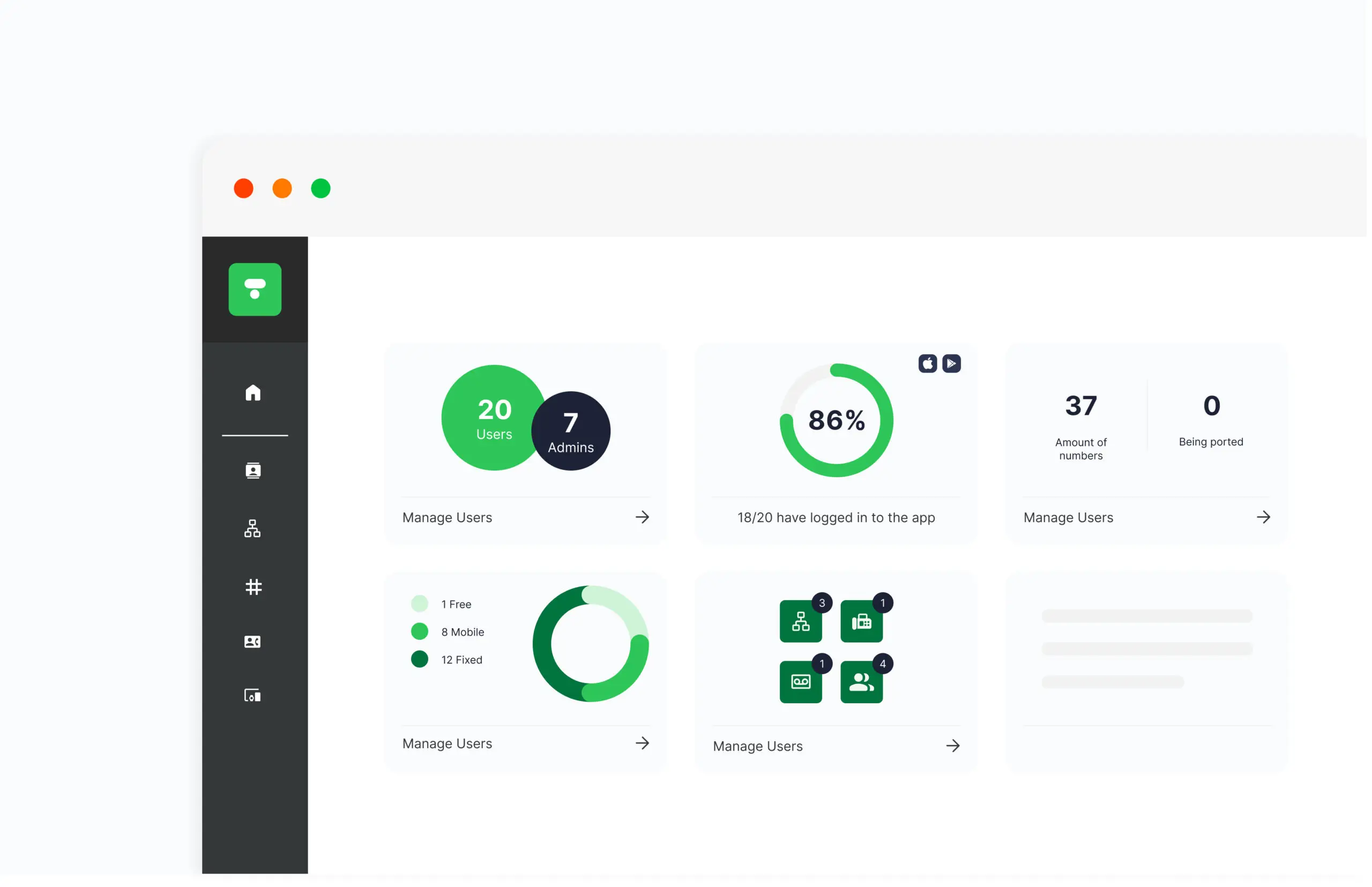
Our admin portal gives you full control over your business communications and makes it easy to manage all users, services, and settings in one place. With an intuitive and user-friendly overview, you can quickly customize switchboard functions, assign numbers, and adjust permissions for users and groups.
Here are some key features of the admin portal:
- User Management: Add, remove, or edit users, assign roles, and grant different permissions as needed. You can also create and manage groups, such as call queue groups or departments.
- Number Management: Manage phone numbers for both mobile and fixed extensions, assign new numbers to users, and reassign numbers as needed.
- Queue Settings: Adjust how calls are handled in queues, choose the desired wait time, and determine which music to play. You can also view real-time statistics to monitor queue load.
- Switchboard Settings: Customize switchboard functions such as call routing, opening hours, and voice menus (IVR). You can also configure features such as “Call Waiting”, forwarding, and automatic voicemail.
- Call Statistics: Get detailed statistics on incoming and outgoing calls. Analyze call volume, response times, and queue statistics to optimize your customer service and call management.
- Integrations: Set up integrations with CRM systems, case management tools, and other platforms to streamline communication and automate workflows.
- Security and Access: Set up security features such as two-factor authentication and IP restrictions to protect your business communications.
Our admin portal makes it easy to manage and customize all aspects of your telephony and communications, so you can focus on driving your business forward.


