




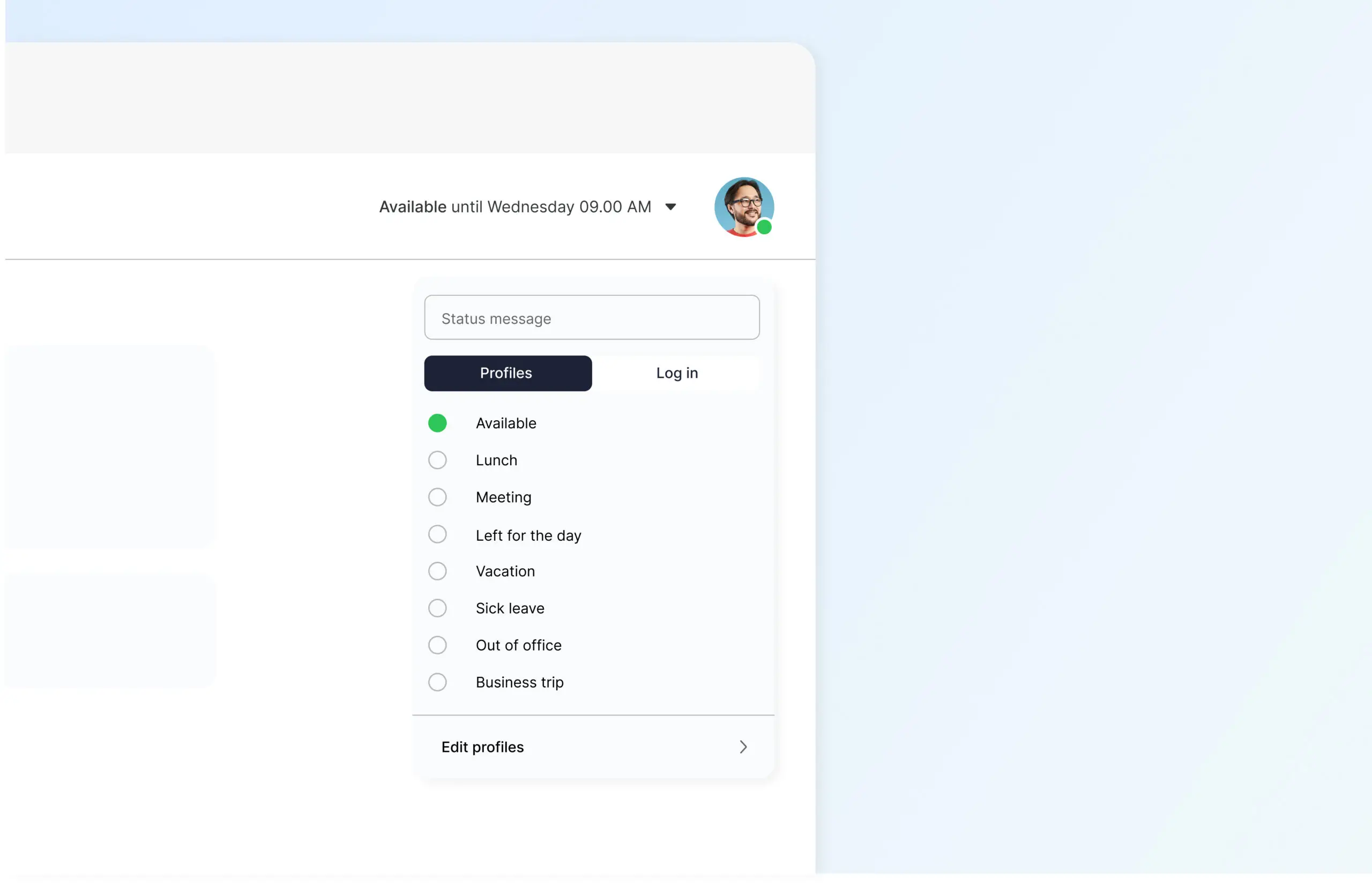
See directly who is available and who is busy. Availability status displays your presence in Telavox and keeps colleagues and customers updated.
Automate the status or let it follow your calendar. Less coordination in your daily work and smoother communication.
Benefits of Availability Status
Clear overview
See directly who is available, busy, or absent and adapt your contact accordingly.
The right call to the right person
Calls are handled based on current status and can go directly to you or be forwarded to a colleague, queue, or voicemail.
Work undisturbed when focus is needed
Scheduled activities can automatically update your status so that incoming calls are handled without disturbing your work.
Status that reflects your workday
Use predefined statuses or create your own, for example, Working from home or Customer visit.
Same status throughout Telavox
Your availability is the same, regardless of whether you are working in the mobile app, desktop app, or softphone.
Get started
Connect Availability Status to the Telavox switchboard and let different statuses control how incoming calls should be handled during the workday. Contact Telavox and we will help you get started.


