




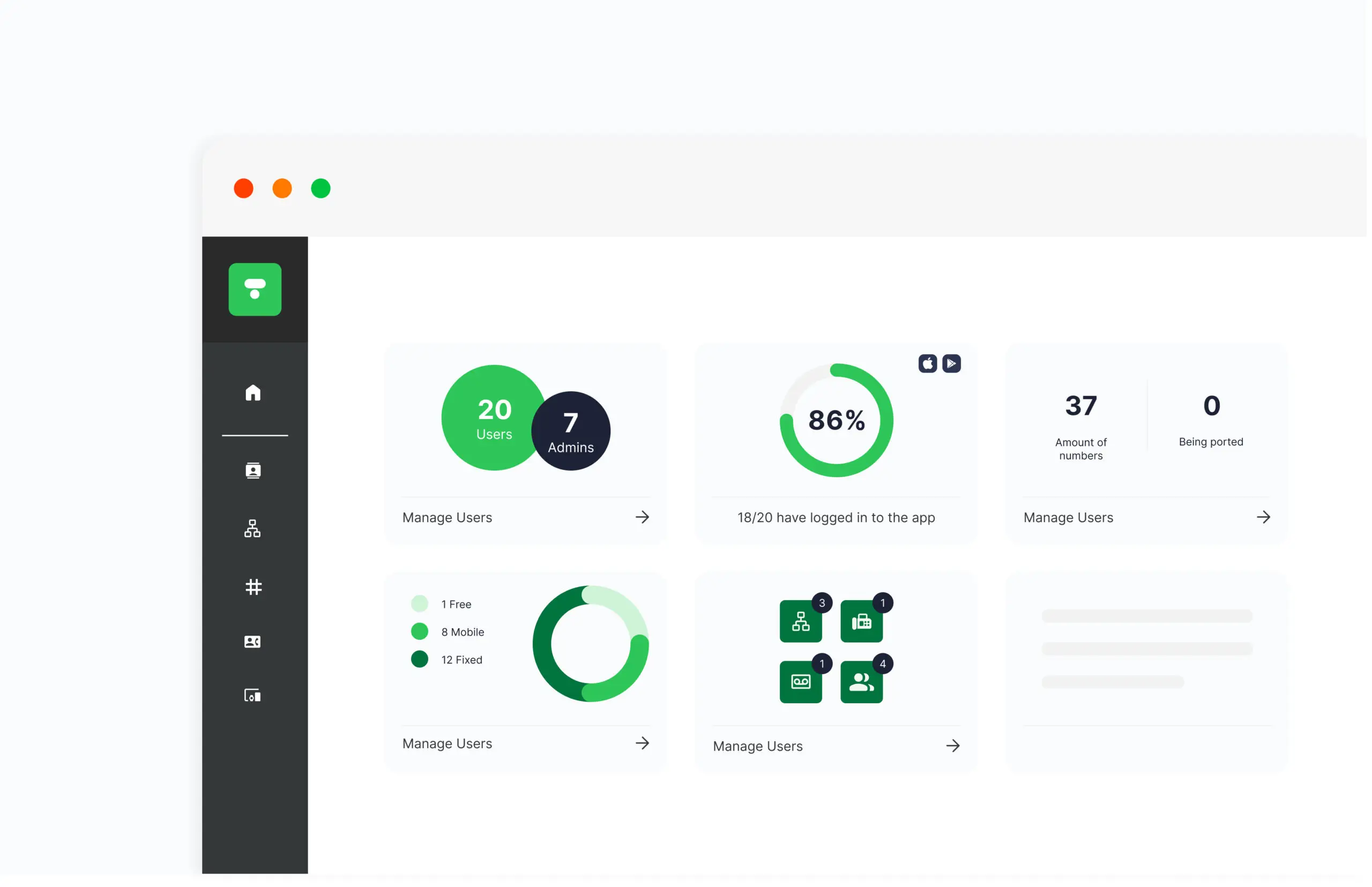
The Telavox admin portal centralises all business communication and gives you full control over users, telephony, and settings. Everything from subscriptions and numbers to queues, PBX functions, and permissions is managed here in a user-friendly interface.
The admin portal provides a clear overview and makes it easy to adapt the telephony solution as the business changes, whether it involves new employees, changed roles, or new ways of working.
How the Admin Portal works
In the Telavox admin portal, users, numbers, call queues, and PBX settings are managed in one place. Here, administrators can control how the telephony solution works in practice and customize settings according to the needs of the business.
Benefits of the Telavox Admin Portal
Manage users and roles
Centralise the management of users, roles, and permissions in one portal. Create groups, such as queue groups or departments, to ensure the right people have the correct access from the start.
Control numbers and extensions
Administer both mobile and landline numbers in the same view. Assign new numbers, move existing ones, and easily adjust extensions as the organisation changes.
Customise queues and PBX settings
Control how calls are distributed by adjusting opening hours, wait times, and voice menus, as well as managing features like call forwarding and voicemail, all within the portal.
Monitor call statistics
Gain insight into call volumes, response times, and queue loads. This data makes it easier to plan staffing and improve accessibility for incoming callers.
Connect integrations
Connect Telavox to CRM and ticketing systems for smoother workflows, a better overview, and a more cohesive way of working.
Secure access and clear control
Manage permissions and security levels centrally. Features such as two-factor authentication and IP restrictions provide secure access and better control within the organisation.
Ready for AI and new features
Activate features like AI receptionist, AI Assist, and new queue solutions directly in the portal and set the framework for how they should be used in the business.
Get started
All administration is centralised in Telavox and managed in the same portal as other functions. This provides a unified way of working and reduces the need for separate systems.
Contact Telavox sales and we’ll help you get started.


