




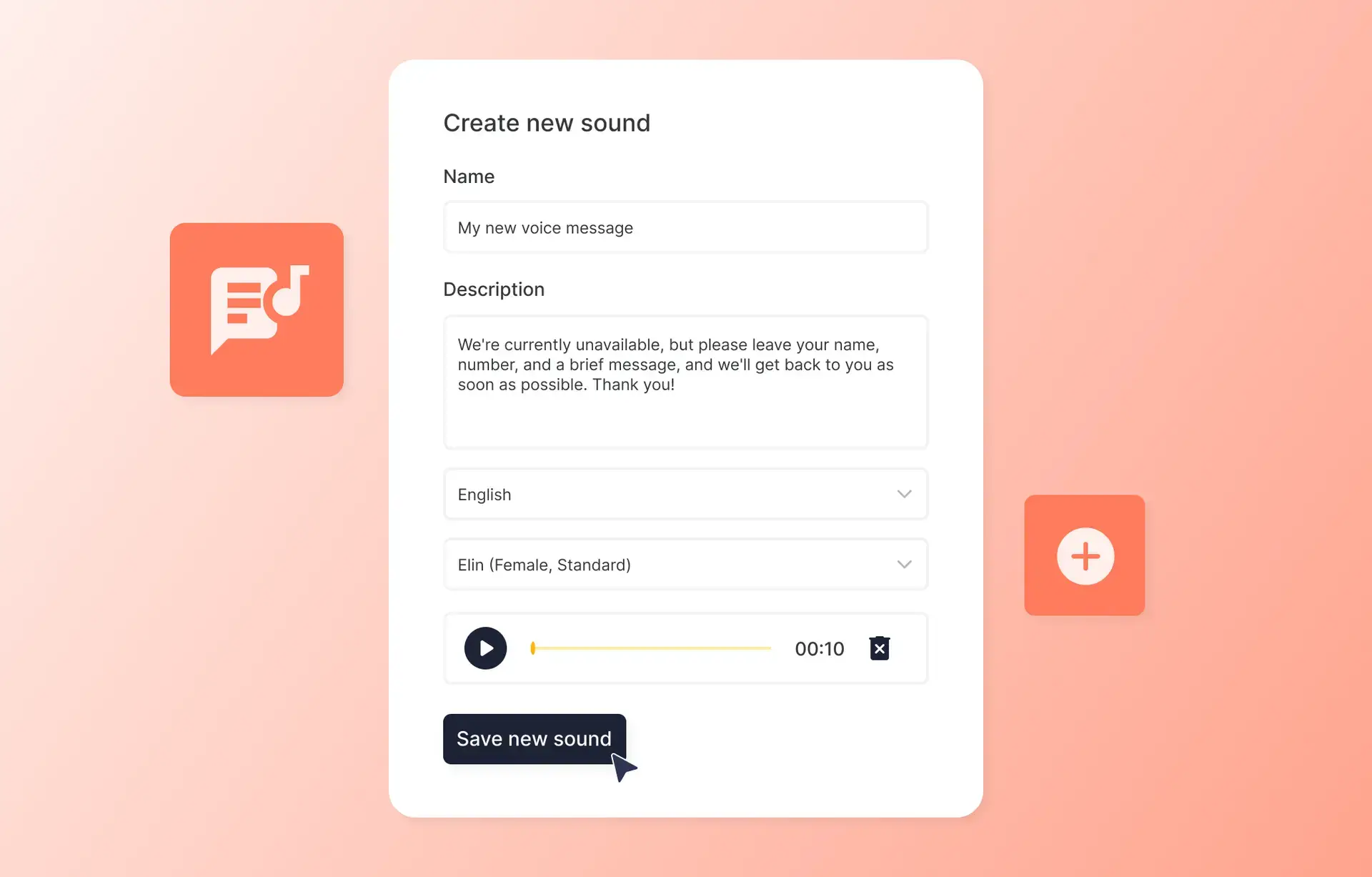
No more recording over and over again to update your voicemail messages! With our new Text to Speech feature, you can easily write your text, select a voice that suits your needs, and upload – done in seconds.
- Create voice files with text, quickly and easily
- Reuse audio recordings for consistent communication
- Support for multiple languages
This smooth solution is not only fast, but also available in multiple languages, making it perfect for achieving a professional tone. Try it today and experience how easy it can be to keep your messages updated!
Get started
- Go to “Switchboard services” in the Admin Portal
- Click on “Manage audio” in the upper right corner
- Click on “Create a new sound”
- Select the “Text to speech” option
- Fill in a name for your new audio recording and your description. The description is the text that will be used for your audio generation.
- Select the language and voice you want to use
- Click on “Generate audio” and wait until the sound player appears
- Click the play button and check that you like the sound. You can change the description and click “Generate audio” again if you want to test new formulations.
- Click “Create” to save the sound.
Done! Now your new sound is ready to use.
Read more in our FAQ.


