




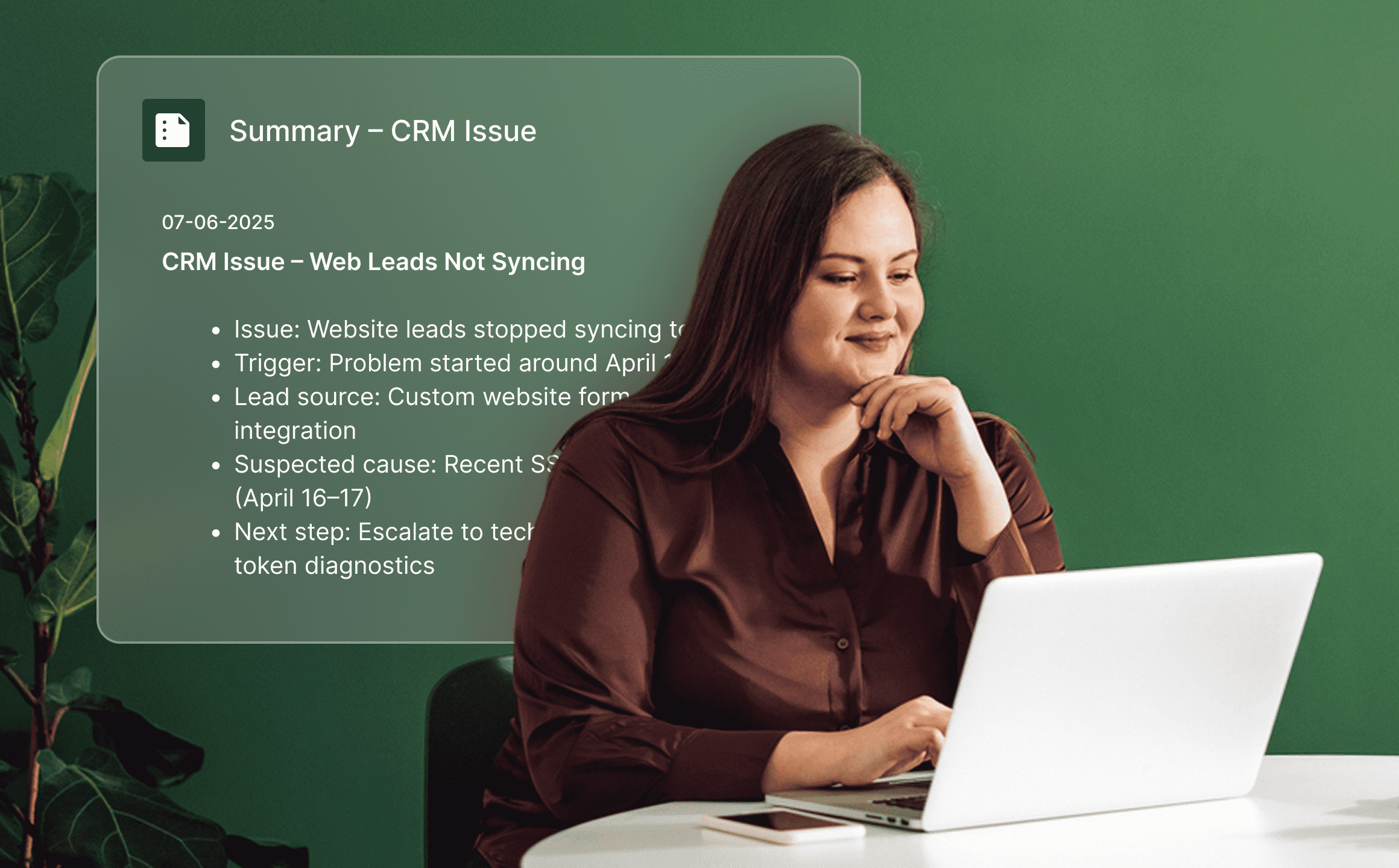
Save time that would otherwise be spent writing your own notes after each call. With Call Summary, you automatically get a clear summary of every customer call.
Quickly see key points, questions, decisions, and actions in the conversation. Easily share information with the team, follow up on tickets, and continue the customer dialogue with the right context—without having to listen through the entire call afterwards.
How Call Summary works
Call Summary is created when a recorded call ends. AI analyses the transcription and summarises the most important content of the conversation—for example, why the customer got in touch, which questions were raised, and what you agreed on.
The summary is shown directly in Telavox in the same view where calls and customer dialogues are managed. The team quickly gets a clear picture of what the call was about and can continue the work with the right context.
Easily enable Call Recording and choose between the transcription solutions available in Telavox. Personal calls are linked to the user who took part in the call, while calls via the switchboard or queue are visible to users who have permissions in the switchboard or Tickets. This ensures the summary is available to the right people.
Combine with more AI features in Telavox
Take the next step after the summary and let more AI features continue working with the customer dialogue.
Transcribe calls converts recorded calls into a complete text version linked to the user who took part in the conversation. Access the entire call in detail, revisit what was said, and easily share the dialogue with colleagues.
Transcribe switchboard calls provides a text version of customer dialogues via the switchboard. Get the full call as supporting material in every ticket and complete visibility into what was said.
Tickets with AI uses the content from the customer dialogue to categorise tickets, suggest priority, and identify the next steps. The summary provides a clear basis when tickets need to be followed up and progressed.
Automatic topic analysis identifies topics and tags directly from the call. Sort, filter, and analyse customer dialogues based on what the calls are actually about.
Get started
Work smarter from the start. Contact us at Telavox, and we will put together the right setup for you.


