




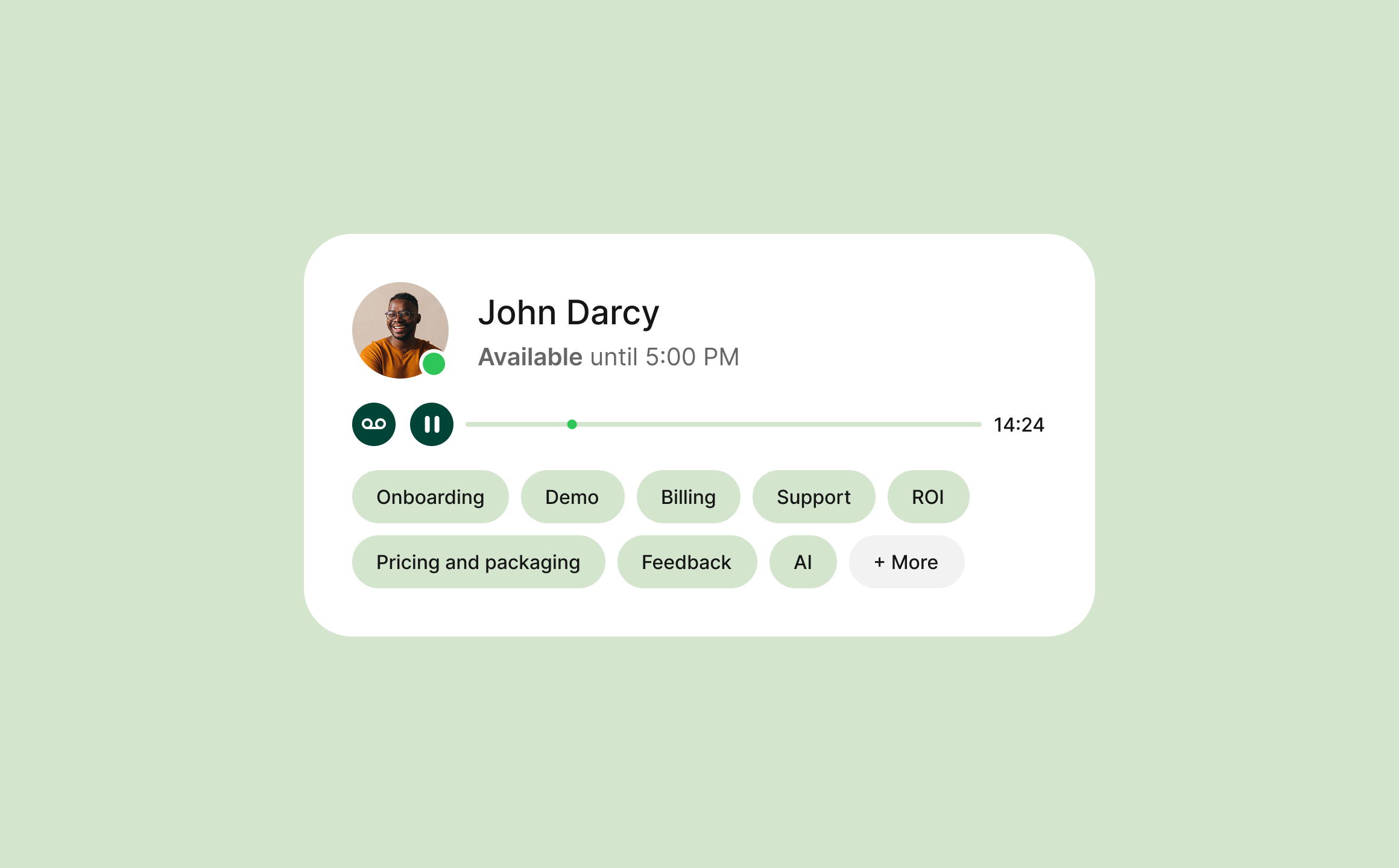
Transform every customer interaction into structured insights with Automatic Topic Analysis, which identifies what the conversation is about. Topics are divided into clear categories, making it easy to search, filter, and navigate customer dialogues. Gain quick insight into Tickets, discover recurring patterns, and understand what drives customer needs and questions.
Provide your team with a common basis for action and use the insights to develop workflows, strengthen support, and create a more cohesive customer experience.
How Automatic Topic Analysis works
The content of the customer dialogue is analyzed and automatically linked to one or more topics based on what is discussed in the conversation. Each dialogue is tagged with relevant, predefined topics organized into categories, such as invoice queries, technical issues, or cancellations.
Go back to previous conversations, see why the customer contacted you, and understand the context without having to listen to recordings or read lengthy notes – all information is gathered in the Ticket along with other history.
This feature is based on recorded and transcribed calls in Telavox.
Combine with more AI features in Telavox
Simplify customer dialogue with AI that works together.
Transcribe Calls converts recorded customer dialogues into a complete text version. Personal calls are linked to the participating user, while calls via switchboard or queue become available to the right people based on authorization – via Transcribe Switchboard Calls
Call Summary creates a brief summary of the dialogue. Together with topic analysis, it becomes easier to understand what the call was about and follow up on customer contact.
AI-powered Tickets uses the content from customer dialogues to automatically create Tickets, transcribe and summarize calls, and suggest tags. Topics and tags provide a better basis for categorizing, prioritizing, and progressing Tickets.
Export Transcriptions makes it possible to transfer dialogue, topics, and tags to other systems, where the information can be used for further analysis, follow-up, and reporting.
Get started
Create a smoother customer dialogue. Contact us at Telavox, and we will assist you every step of the way.


