




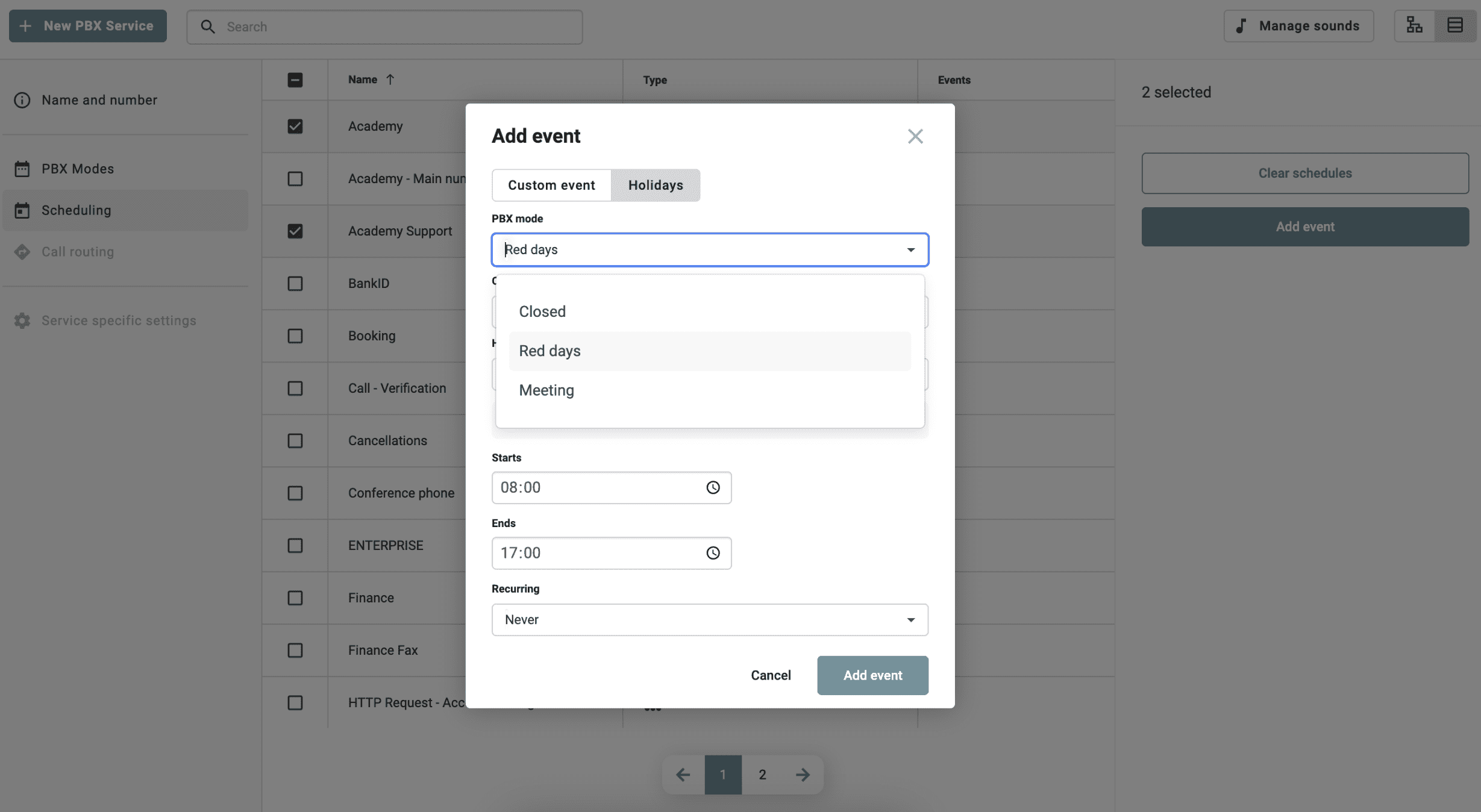
Efficient switchboard scheduling
Keeping track of opening hours and holidays in the switchboard can be time-consuming, especially for companies with multiple services. With this feature, you can:
- Schedule events and holidays directly from the Admin portal.
- Apply bulk changes to update multiple switchboard services simultaneously.
- Configure IVR and queues to automatically follow holiday schedules.
- Customize opening hours with switchboard modes for increased flexibility.
- Select your country and apply official holidays with just a few clicks.
How it works
- Log in to the Admin portal.
- Navigate to switchboard services and switch to table view.
- Click on “Scheduling” and select the switchboard services you want to change.
- Choose between custom events or holidays.
- Enter opening hours, start and end times, and recurring settings.
- Save and apply the changes in bulk.
With this feature, managing opening hours in the switchboard is easier than ever. Whether you administer queues or IVRs, you can now efficiently schedule and edit your switchboard services in a centralized view.


