




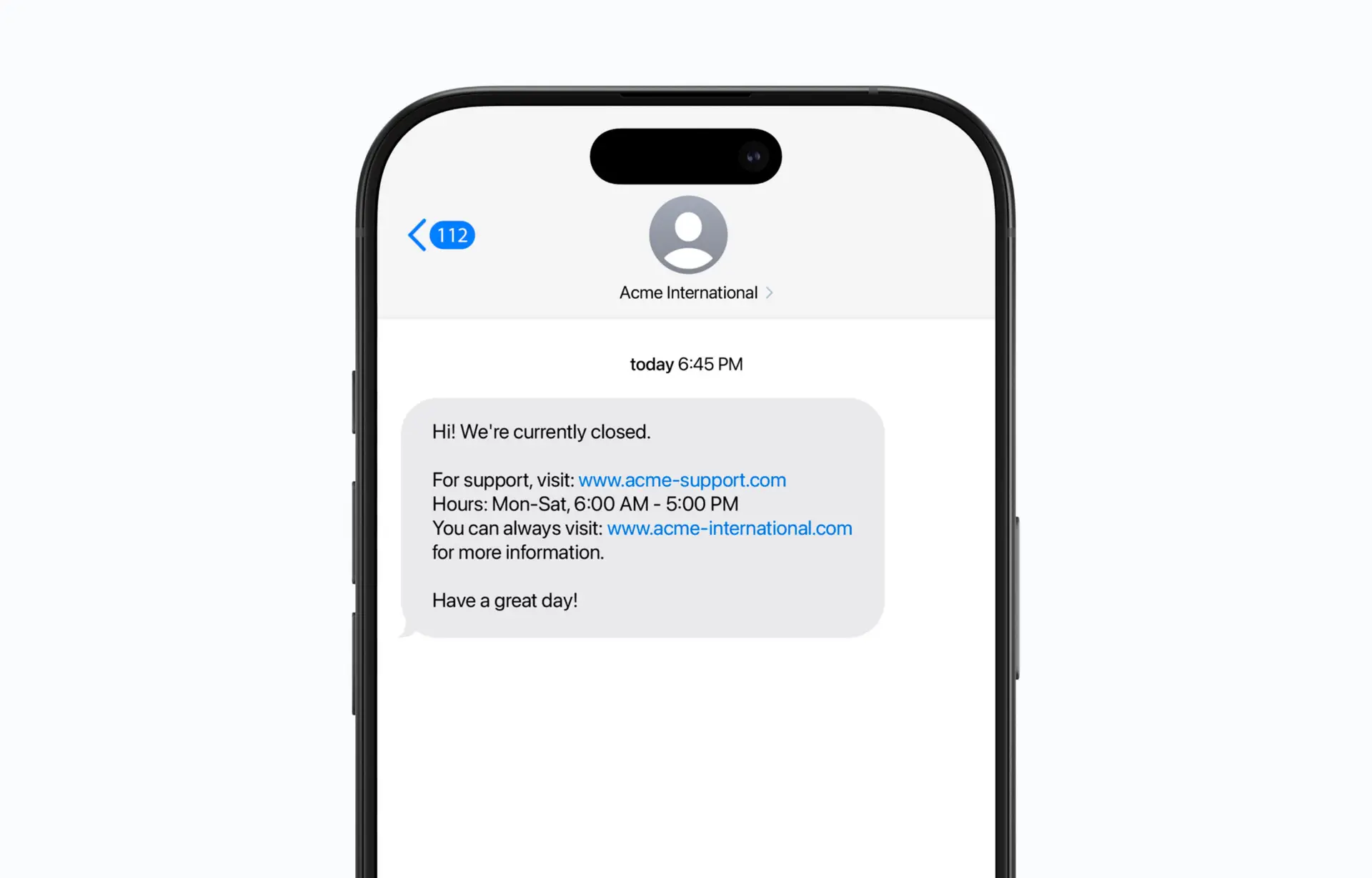
Reduce the load on phone queues and teams with SMS to Caller. Automatically send an SMS with links to opening hours, booking portal, or other information that helps customers move forward without having to wait in the queue.
How SMS to Caller works
SMS to Caller connects to your call flow in Telavox and sends an SMS to incoming callers based on how the phone queue or keypad options are set up. Phone numbers are automatically verified before sending, ensuring the message always reaches the right recipient without extra work for you or your team.
You can easily create and customize SMS messages via your switchboard in Telavox, where content and settings such as sender name can be designed to match your brand. Messages can be sent before, during, or after an incoming call.
This way, recurring questions can be handled directly through links to, for example, opening hours, booking, or an FAQ page.
Benefits of SMS to Caller
Keep customers informed
Send relevant information via SMS before, during, or after incoming calls.
Provide quick answers to common questions
Send opening hours or links to FAQs, for example, so customers get answers immediately.
Share links
Help customers find what they need right away by sharing links to support, booking, or your webshop, for example.
Reduce the load on phone queues and teams
Free up time for employees by letting automated SMS handle recurring questions.
Customize sender and content
Design content and sender name so that each message aligns with your company’s profile and needs.
Get started
Discover more features and integrations in Telavox, or contact us and we’ll help you get started.


