




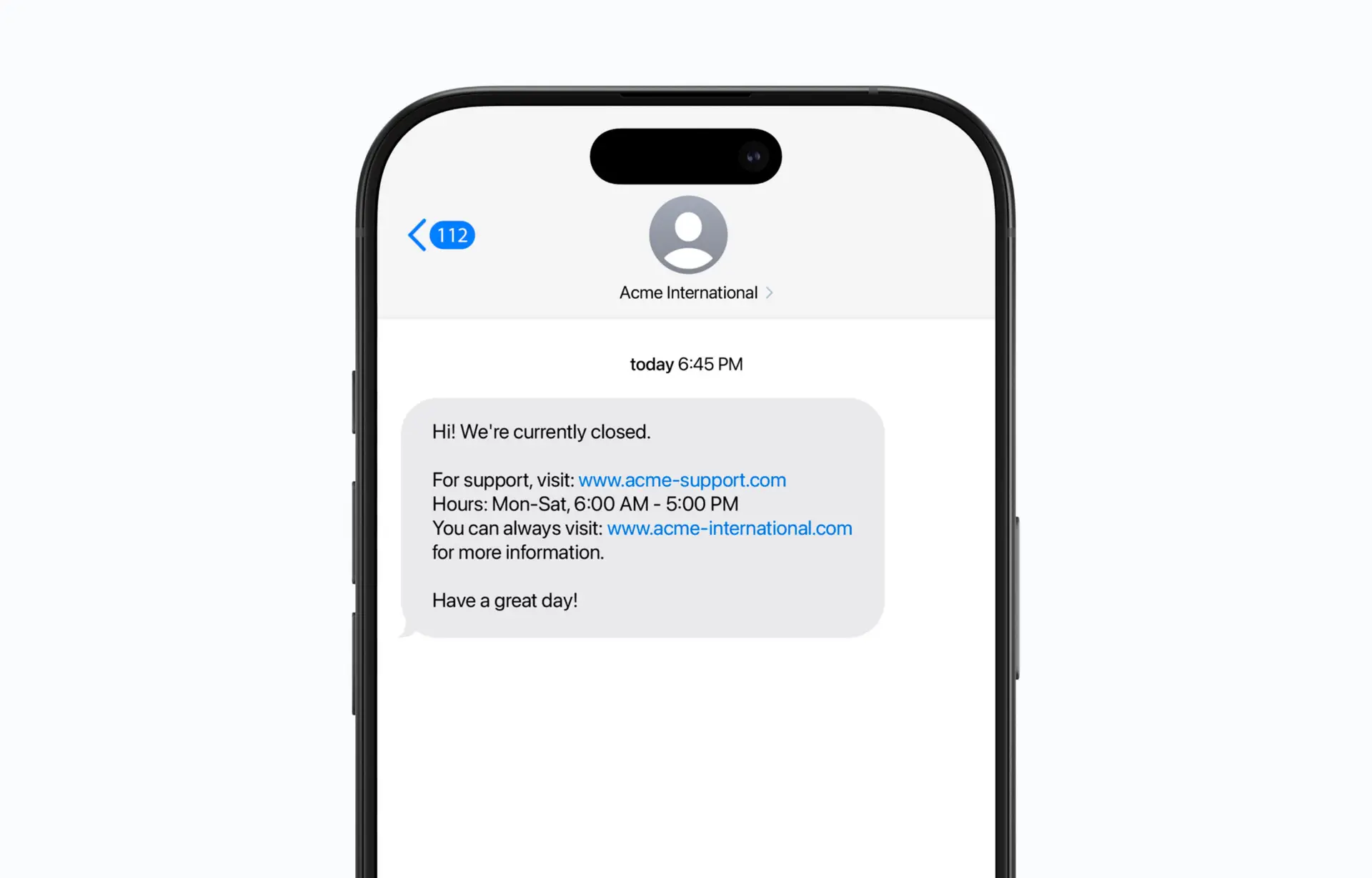
Make SMS messaging a part of your call queue
Make it easy to keep customers informed via SMS before, during, or after an incoming call. Send quick answers, share links, and handle frequently asked questions automatically for a better customer experience.
- Send relevant and quick information via SMS to the customer who is calling in, such as a link to your opening hours, a link to support, or a link to your webshop.
- Customize your SMS messages to suit your company’s brand and current needs.
Example of use: Share opening hours or share links to FAQ pages, booking portals, or other resources.
Improve call flows and reduce waiting times:
With SMS to Caller, you can send relevant information directly to your customers via SMS as part of your call queue, such as opening hours during weekends or a link to your booking page. The function makes it easy to keep customers updated and free up time for your employees to answer common questions.
Save time: Free up time for agents by answering customer questions via SMS.
Reduce queue times: Shorten waiting times by providing answers to frequently asked questions via SMS.
Improve the customer experience: Provide quick and useful information to customers.
Key features
Easy configuration: Create and customize SMS messages smoothly via your switchboard.
Telephone number validation: Ensure that SMS is delivered to the correct number.
Custom sender name: Give your messages a professional and brand-adapted sender name.
Get started!
Read more and get started right away


