




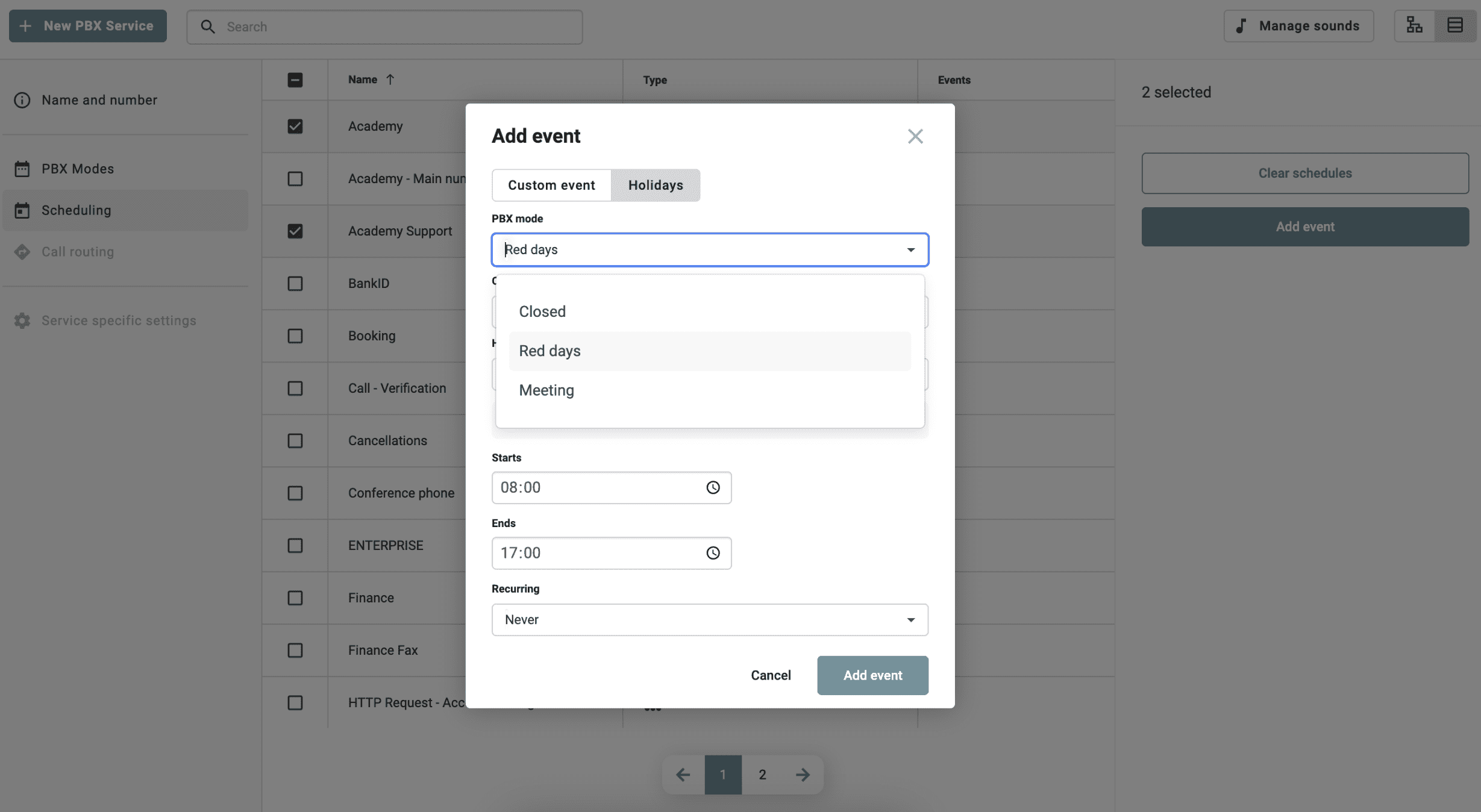
Plan in advance how the switchboard should operate during special dates and periods. Set opening hours, switchboard modes, and messages for occasions such as Easter, summer holidays, Christmas, or internal company events.
Once the schedule is set, the switchboard handles the rest. Calls are managed according to the plan, the correct message is played, and the customer immediately receives the right information or is redirected according to the configured flow. This means a smoother workflow for the team and a more thoughtful experience for the caller.
How Schedule Events and Holidays works
In the Telavox Admin Portal, you can easily create different switchboard modes based on your needs, for example, when you are closed for summer or open on weekends. Here you set opening hours, select messages or voice menus (IVR/keypad selection), and determine how incoming calls should be handled.
Each mode is linked to a date or period in the calendar, either for a single day or as a recurring annual event. When the start date occurs, the scheduled mode is activated and controls how incoming calls are handled in the switchboard, queues, or keypad selections. The customer receives the correct information immediately, and calls are directed according to the planned flow.
Get started
Are you an existing customer? Read our FAQ for step-by-step instructions on how to schedule.
Manage special dates with Schedule Events and Holidays. The company’s regular opening hours and recurring weekday schedule are set up using the Schedule Your Switchboard function.


