




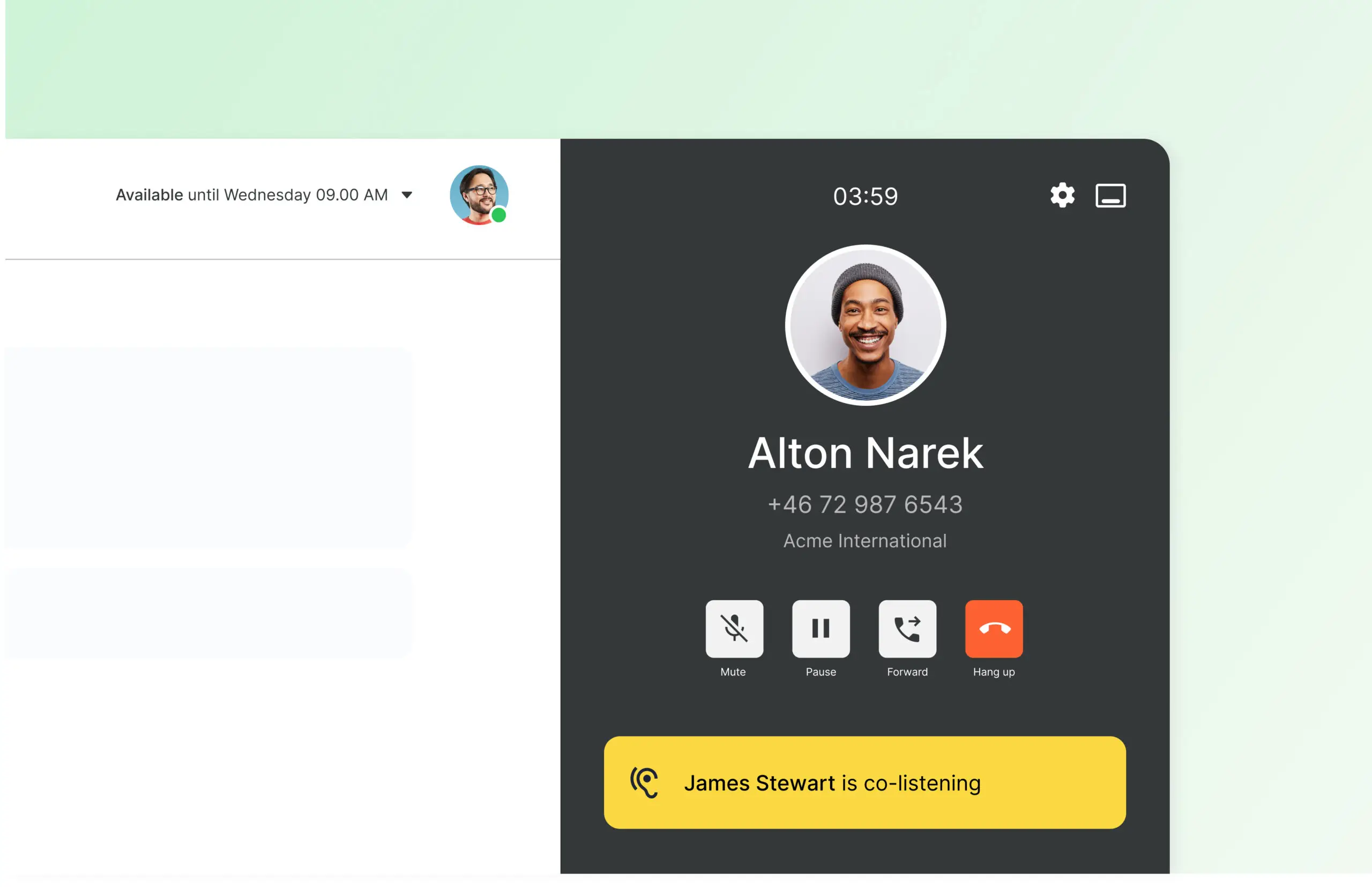
Softphone makes it possible to call directly via the Telavox app from your computer. A simple way to handle company calls without the need for a physical phone while maintaining flexibility throughout the workday.
As part of the Telavox solution, softphone works together with the switchboard and other features. The same number, queues, and settings apply whether calls are answered on mobile or computer.
Benefits of Softphone
Make and receive calls in the Telavox app
Handle incoming and outgoing calls directly in the app without switching between different tools.
Transfer and forward calls
Forward calls to the right colleague or department in seconds.
See colleagues’ status in real time
Get an immediate overview of who is available and who is busy on a call.
Centralize communication in one place
Contacts, call history, chat, and SMS are all gathered in the same app.
Part of the Telavox complete solution
Softphone works together with Telavox switchboard, mobile, and other features.
Who is Softphone suitable for?
Companies where work takes place at the computer
Softphone is suitable for companies where work largely takes place at the computer and where telephony is a natural part of the workday.
Companies with computer-based employees
Teams that work most of the day at the computer and want to handle calls in the same environment as other work, such as sales, support, and customer service.
Companies with many customer contacts
Companies where calls need to be handled continuously and where multiple people collaborate on incoming calls to provide a smooth and professional customer experience.
Get started
You activate Softphone for the users who will handle calls via your Telavox account.
Not a customer yet? Contact us at Telavox and we’ll review your needs and help you find the right setup.


