




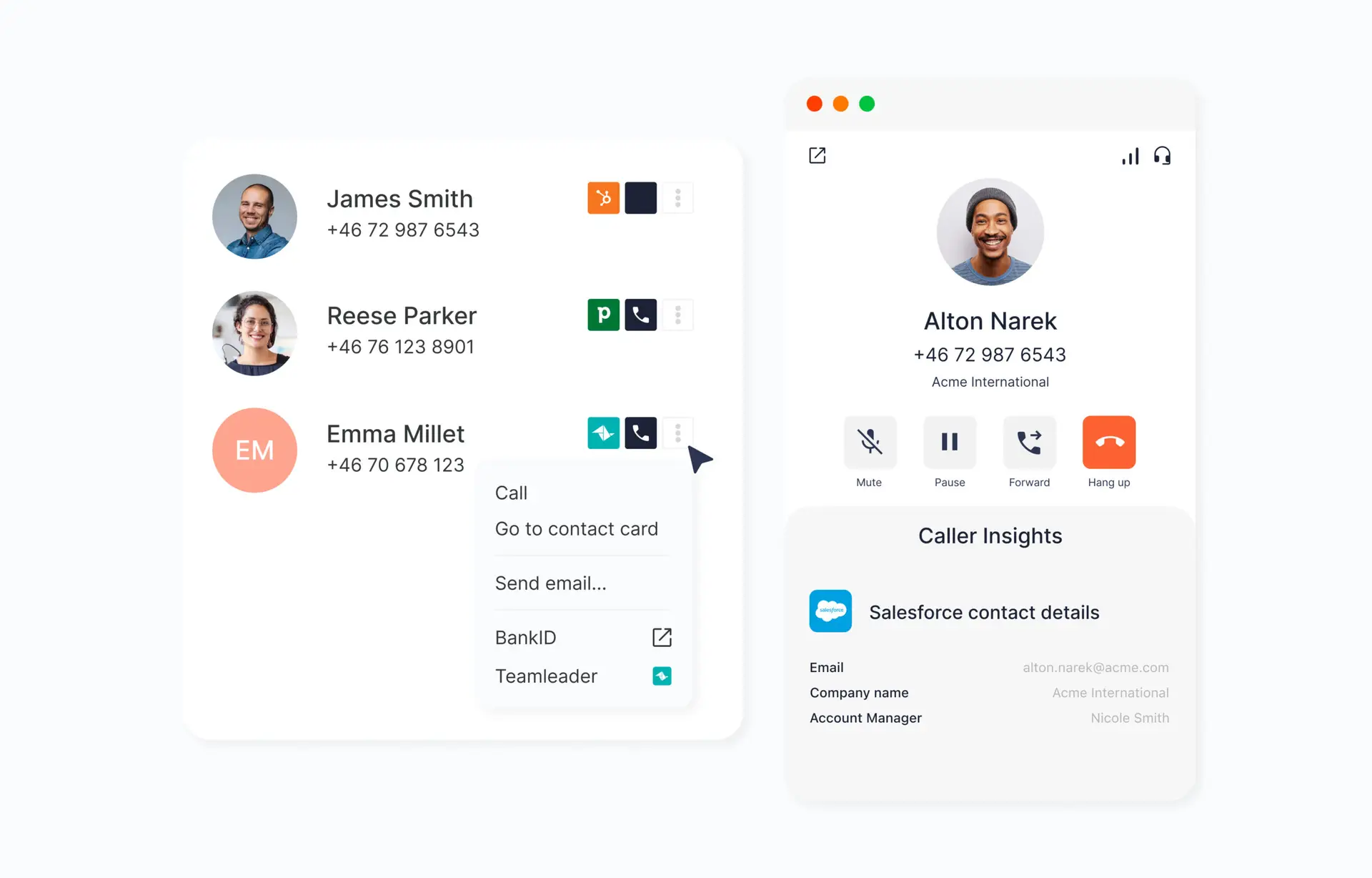
Reduce manual work with automated activities tailored to your needs. Activate Personal webhooks for individual users and let their telephony in Telavox interact with your other systems. Faster availability and direct updates in your external tools.
How Personal webhooks work
Personal webhooks send call events to other systems in real time and set workflows in motion around telephony. The feature is linked to individual users instead of queues, which means that it’s the user’s own calls that trigger events.
For example, a missed call can automatically send a Slack message to the sales team. The same events can also send a signal, a webhook (HTTP call with call data), to external tools such as CRM systems or case management.
This enables other systems to respond directly to what happens in the call and simplify collaboration between colleagues.
For more detailed information, read our FAQ.
Advantages of Personal webhooks
Automated activity
Let calls trigger activities in other systems without manual work.
Connect telephony to your existing tools
Send call data directly to CRM, case management, or other external systems.
Real-time updates between systems
Information is shared and updated directly where it’s needed.
Customized per user
Based on each user’s own calls.
Quick follow-up
Missed calls or important events can directly create notifications or tasks.
Get started
Create Personal webhooks directly in Telavox Admin Portal using a webhook template.
Want to take the next step? Contact us and we’ll show you what the solution can look like for you. More features and integrations are available to explore.

