




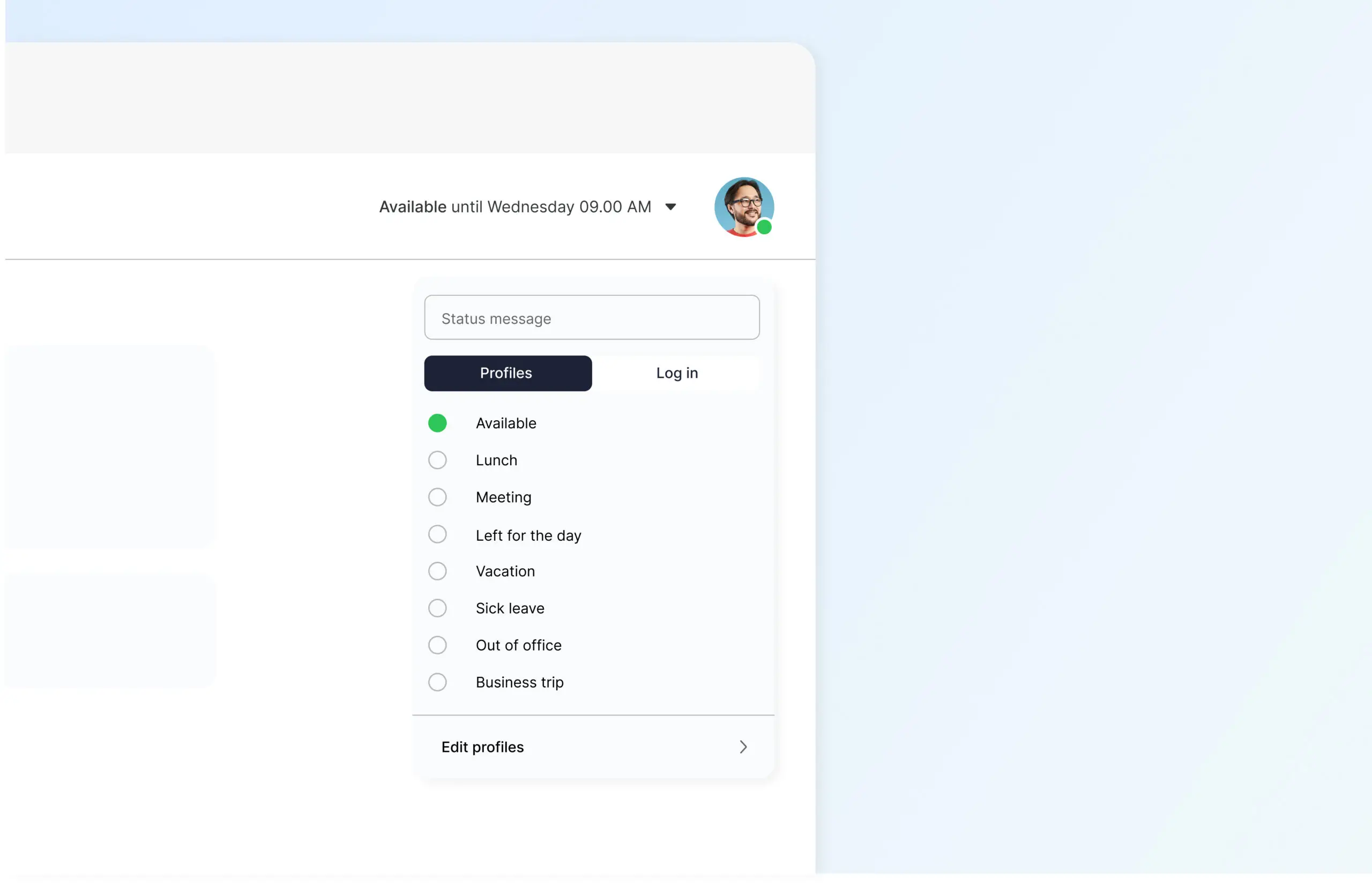
Profiles are designed to allow you to easily communicate your availability to both customers and colleagues. With profiles, you can easily show that you are at lunch, in a meeting, or on vacation. You can choose which number to display externally and set which calls should come through: direct calls or queue calls.
How to set up profiles
It’s super easy to set up profiles, whether you want to change how calls are routed or what your availability is. With one click, you can activate a spoken reference, disable your call recording, and forward the call to a colleague.
At the top of the screen, you will find information about which profile you currently have activated.
Tap the activated profile to bring up a list of your profiles.
If you tap directly on the profile name in the left margin, the profile will be activated according to the default duration.
If you instead tap the clock on the right, you will have the option to set how long you want the profile to be active; either indefinitely or for a specified time.


