




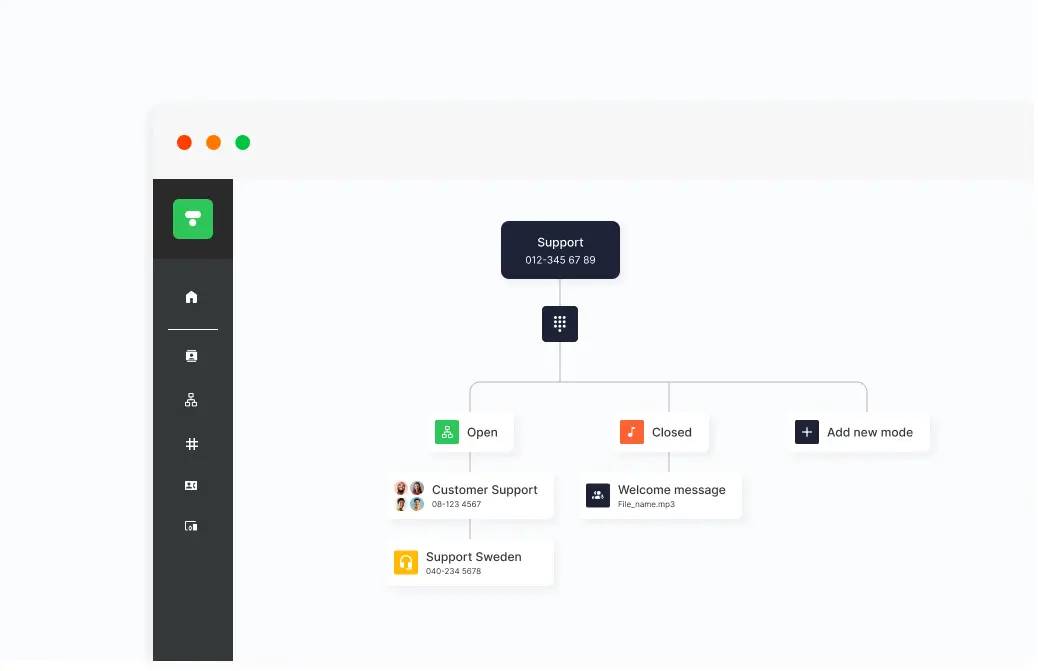
When it’s time for a long holiday weekend for Easter, summer vacation, or Christmas celebrations, scheduling your changed opening hours and employee vacations is a breeze.
Set the switchboard to vacation mode
Log in to the admin portal, select Switchboard Services, and click Add more switchboard modes.
Name your switchboard mode, for example, “Summer Closed,” and click Create switchboard mode.
After you have created your switchboard mode, select what should happen when someone calls in during the summer.
Click Manage sound to add or record a new message.
Once the sound is recorded and activated, click the clock to schedule opening hours.
Tip! A smart way to show customers your opening hours during the vacation is through our chat widget on the website.
Set personal profiles to vacation mode
You naturally also want employees internally to be able to register when they are on vacation. You can easily change your profile/status in the app, and the Vacation profile is available as a default. Anyone who calls you on your work number will then be notified that you are on vacation and will receive information about when you will be back again.


